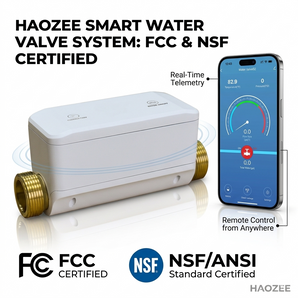

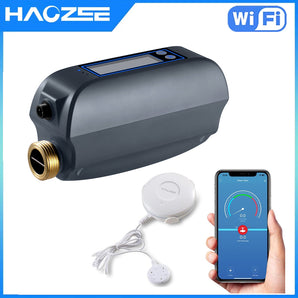

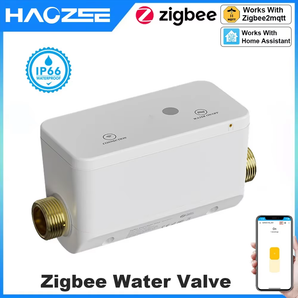


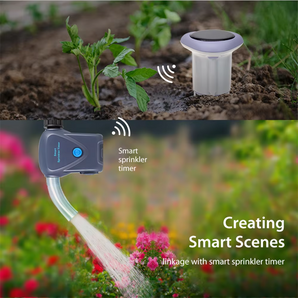
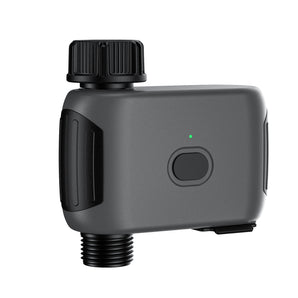
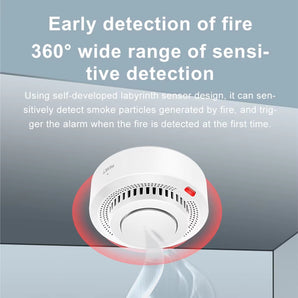
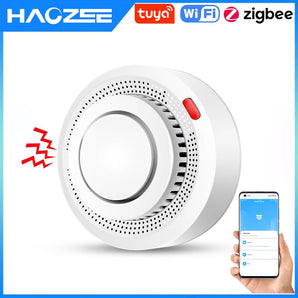
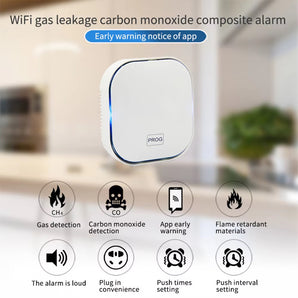




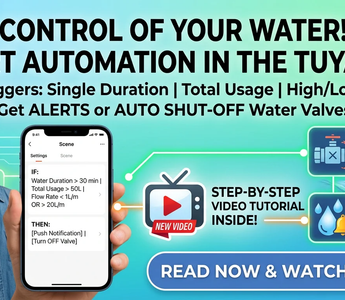
Water management isn’t just about monitoring usage—it’s about taking control. Whether you want to prevent high water bills by tracking usage or protect your home from potential leaks, setting up automated scenes in the Tuya App is the perfect solution.
In this guide, we’ll walk you through how to set up intelligent "if-this-then-that" scenarios to manage your water valve based on real-time data.
What You Can Automate
By leveraging your smart water sensors and valve controllers, you can trigger actions based on:
-
Total Water Consumption: Set a limit to prevent waste.
-
Duration of a single water use: Stop water after a specific time (great for irrigation or baths).
-
High Flow Rate linkage/Low flow rate linkage/Current flow rate: : Detect abnormal high flow (burst pipes) or low flow (clogs).


How to Set Up Your Automation in the Tuya App
Follow these steps to create your custom smart scene:
-
Open the Tuya App and navigate to the "Scene" tab at the bottom.
-
Create a New Scene: Tap the "+" icon in the top right corner.
-
Define the Condition ("If"):
-
Select "When device status changes."
-
Choose your smart water device.
-
Select the trigger (e.g., Total Water Usage > 100L, or Flow Rate > 10L/min).
-
-
Define the Action ("Then"):
-
To get notified: Select "Send Message" to receive a push notification on your phone.
-
To take action: Select "Run the device" and choose to turn off the water valve automatically.
-
-
Save and Enable: Give your scene a name (e.g., "Auto-Stop Leak Protection") and hit save.
Pro-Tips for Better Control
-
The "Safety First" Setup: Always create an "Emergency" scene that shuts off the valve immediately if the flow rate exceeds your normal household threshold—this is your best defense against catastrophic pipe bursts.
-
The "Eco-Friendly" Setup: Use the "Duration" trigger to automatically turn off outdoor hose bibs after 30 minutes to ensure you never leave the water running by accident.
Need Extra Help? Watch the Tutorial
Sometimes it is easier to see it in action. We’ve put together a step-by-step video guide to help you configure these settings in minutes.
Conclusion
With these automations, you aren't just using smart devices—you’re building a smarter home. Start setting your rules today and enjoy the peace of mind that comes with total control over your water system.
Have you set up your custom water automations yet? Let us know in the comments if you need help with a specific configuration!
-